
Community Standards
Purpose
The committee’s primary role is to review and approve proposed exterior modifications, additions, and construction projects to ensure they align with community standards. This includes:
- Evaluating the location, height, materials, and visual impact of proposed projects
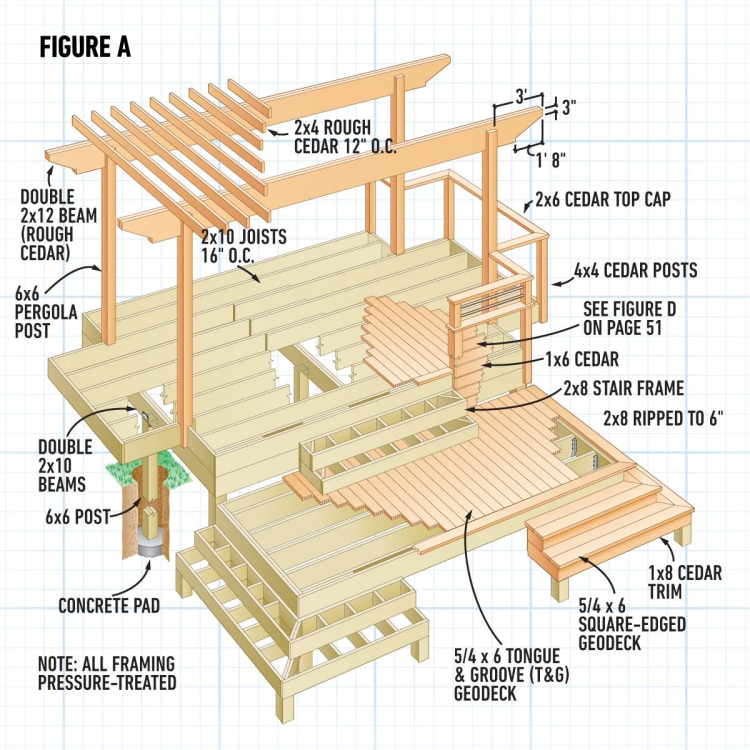
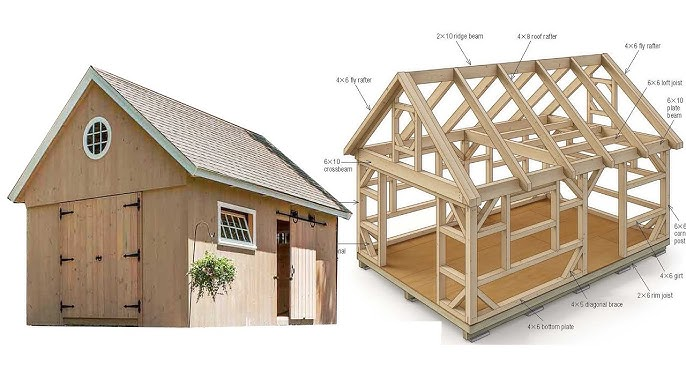
- Reviewing plans for new buildings, all exterior changes or additions, new exterior colors or materials, sheds, new driveways or parking pads, garages, siding, roofs, doors, windows, greenhouses, fences, porches, decks, gazebos, patio covers, pergolas, or any other permanent structure before construction begins.
- Ensuring modifications are in harmony with the external design of the community.
Exterior Modifications
Submission & Approval Process
To maintain the integrity and aesthetic harmony of the community, homeowners must submit a formal request before making exterior modifications. The request must include:
- Detailed plans and specifications outlining the nature, shape, height, materials, and location of the structure.
- A full Lot Survey showing the precise location of the proposed structure to ensure it remains within the designated lot circle and complies with building setback requirements.
- Color samples, material details, and any additional supporting documents that clarify the scope of the project.
The Architectural Committee (ARC) will review all submissions within 30 days and notify applicants of approval or required modifications.
If a request is denied, homeowners will receive a written explanation and may appeal the decision to the Board of Directors.
ARC Guidelines & Checklists
View the Full Craneridge Architectural Guidelines
How to Submit an Architectural Review Request:
Step 1: Log Into HOA Assist
Go to:
HOA Assist Member Portal
- If you have a login, enter your credentials to access your dashboard.
- If you do not have a login or forgot your password, contact HOA Assist directly:
855-952-8222
Step 2: Start a New ARC Request
- From your dashboard, scroll down and click
“Submit a New Request”

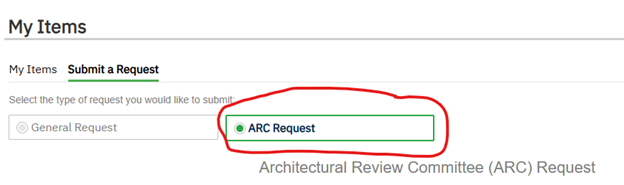
- Select “ARC Request” as the request type.
- Choose “Type of Work” from the list. If your project type is not listed, select “Other.”
- Name your request: Enter a clear subject heading that describes the project (example: “New Deck Installation” or “Exterior Paint Change”).

- Provide a detailed explanation of the work to be done in the
“Work to be Done” box.
- Enter your estimated start and end dates for the project.
Step 3: Attach Required Documents
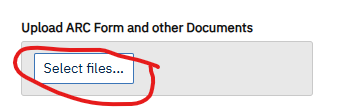
Before submitting, be sure to upload all required documents, including:
- Detailed plans or architectural drawings of the project.
- Color or material samples, if applicable.
- A full lot survey showing the placement of any new structures to ensure compliance with setbacks and lot boundaries.
- Photos of similar completed structures, if available.
Missing documents may delay your approval.
Step 4: Submit Your Request
Click “Submit Form” to send your request to the Architectural Control Committee (ACC).

Important Notes
- If you experience technical issues with submission, do not contact the Committee or Board of Directors. Contact HOA Assist directly for assistance.
- All communication regarding your request will take place within HOA Assist.
- If additional information is needed, the ARC Committee Chair will ask questions through HOA Assist.
- You will receive your final determination letter through HOA Assist once a decision has been made.